There are 3 main platforms that can be used to host content in the cloud – Microsoft’s Azure, Amazon’s AWS, and Google’s GCP. This post is focused on using Azure to host a web page in the cloud using Blob storage along with steps to make it accessible and visible to all.
The first step is to sign up for a free Azure account (if you don’t already have one).
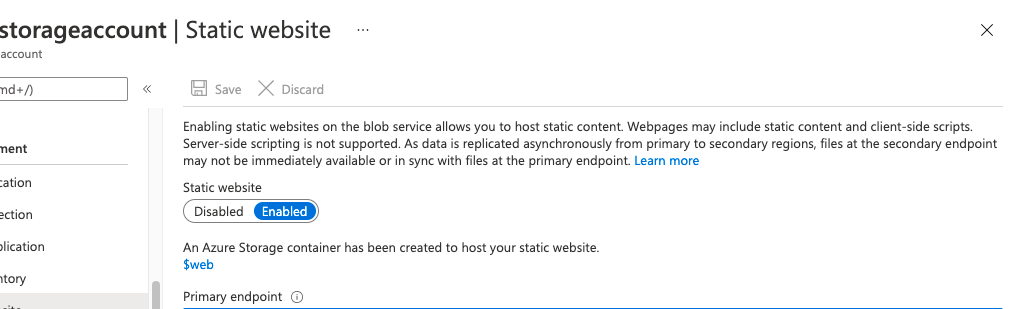
Next, create an Azure storage account by following the detailed steps here. A few important things I’d like to call out to make this process as seamless as possible:
- In the ‘Subscription’ field – select the name of the free subscription account you created in step 1.
- In the ‘Resource group’ field – be sure to select the resource group associated with your free subscription account.
I hope you find these links and tips helpful in your journey with Azure!
 Observations From A Seattleite